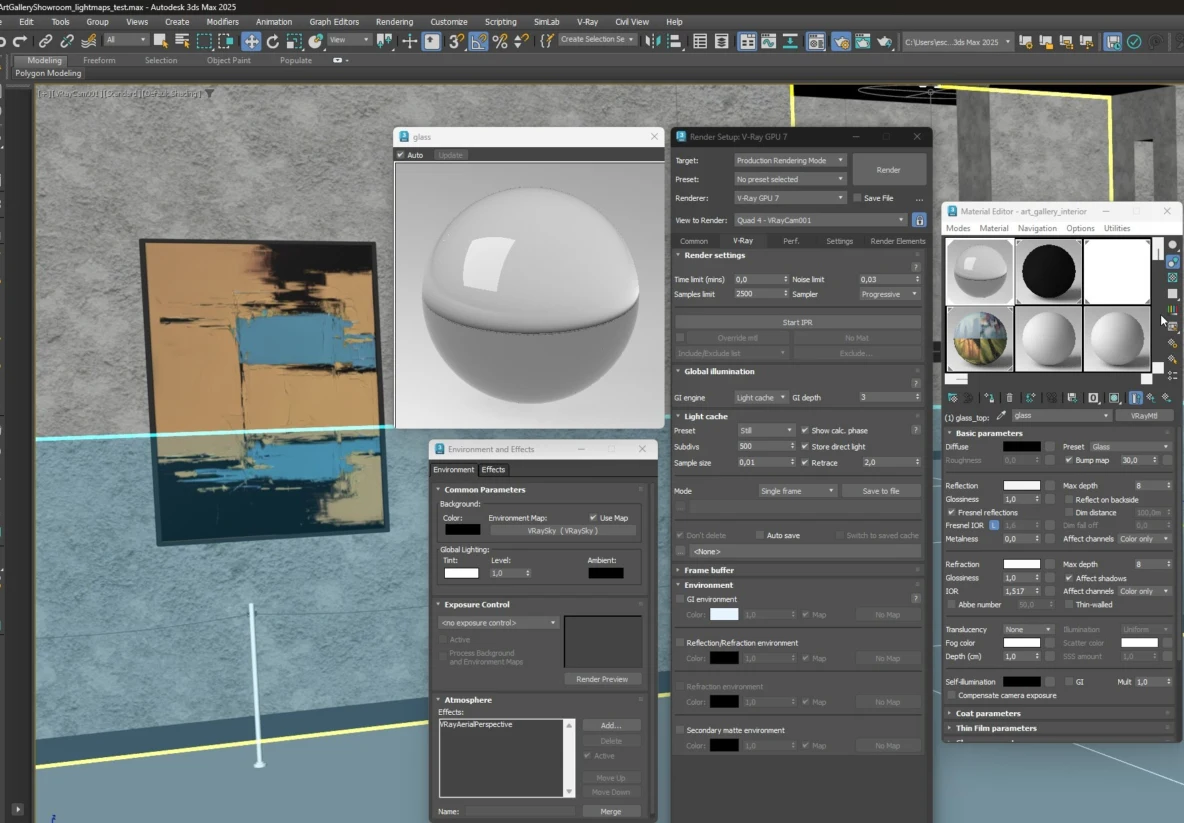
The converter works with 3ds Max 2025 and V-Ray 7 (lower versions are also supported). OneClick3D aims to support the following features to ensure the best real-time results:
Materials
Standard, VrayMtl, and CoronaMtl are supported. Complex materials are either baked into textures or replaced with a gray placeholder. Simplify where possible.
Maps & Textures
Standard bitmaps are preferred. Procedural maps will be baked, which increases processing time and file size. Replace procedurals with bitmaps for best performance.
UV Channels
Use only the 1st UV channel. The 2nd channel is reserved for lightmapping in Unity and Unreal Engine.
Lighting
Basic lights from all render engines, self-illuminated materials, and Emissive GI are supported. Intensity and color may vary in real-time engines.
The Conversion Pipeline
1
3ds Max Export
The scene is unpacked. All cameras are rendered to create reference images for lighting and material matching.
2
Engine Import
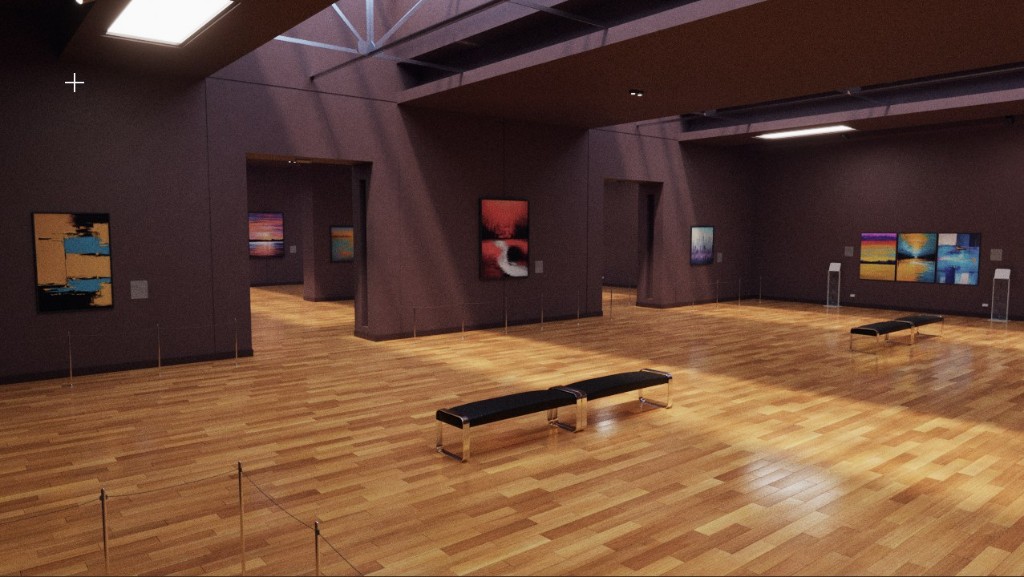
The "Black Box" magic happens here. Renders are used as ground truth to adapt 3ds Max lighting for Unity and Unreal.
Optimization Rules
- Instances: Use instances as much as possible, but avoid complex baked materials on small instanced objects like leaves.
- Polycount: Objects over 50k triangles will be automatically optimized.
- Transparency: Glass and transparent materials are replaced with specialized real-time shaders. Simplify these materials for better results.
- Environment: SKY and HDRi lighting in standard slots are fully supported.
The output includes builds for all platforms and the original project files, allowing you to make manual adjustments if needed.